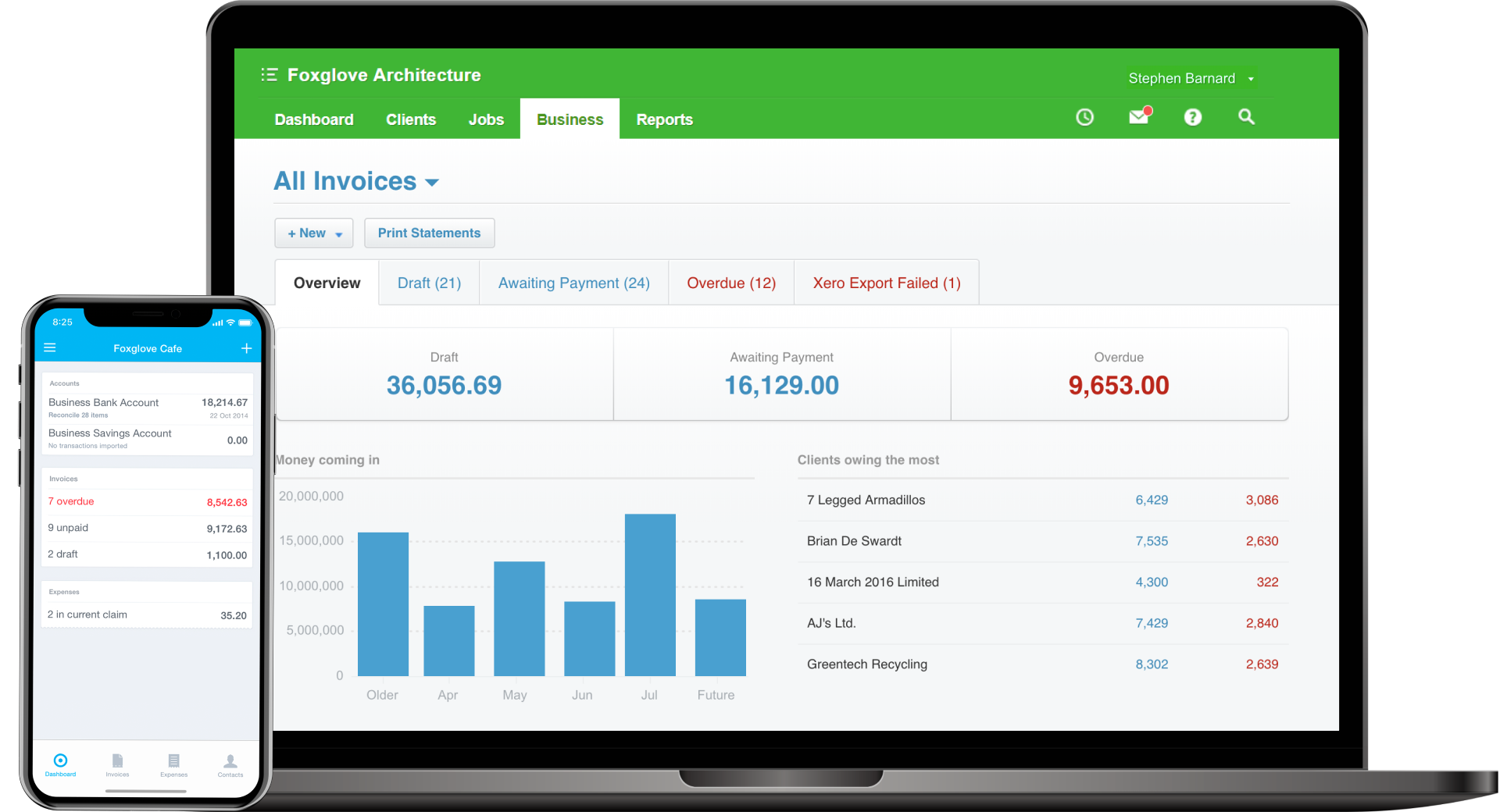
Get paid faster with easy-to-use online invoicing software. Enjoy the integration between job, time and cost tracking with a seamless data flow into Xero for end-to-end efficiency.
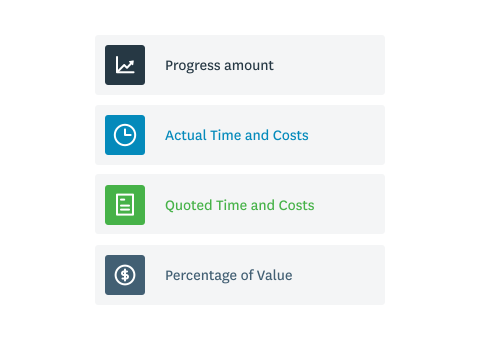
Whether you want to invoice using progress amounts, actual time and costs, quoted time and costs, or percentage of value, WorkflowMax can do it all for you!
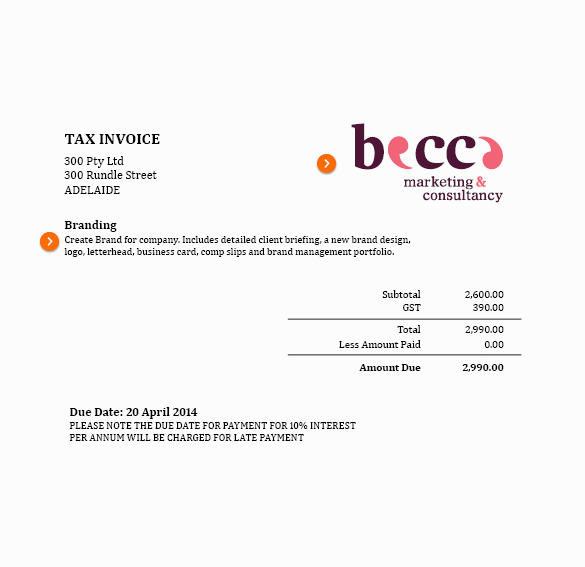
If your clients prefer a simple invoice with basic project information, that’s easy to create in WorkflowMax.
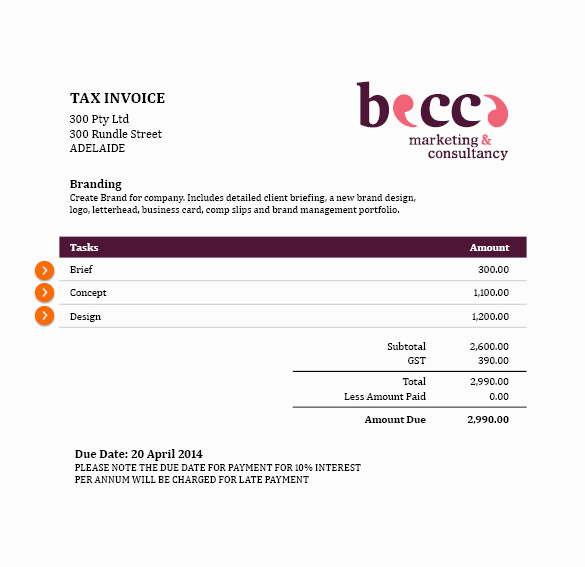
Or do your clients need more info on their invoices? You can easily add tasks, cost quantities and rates.
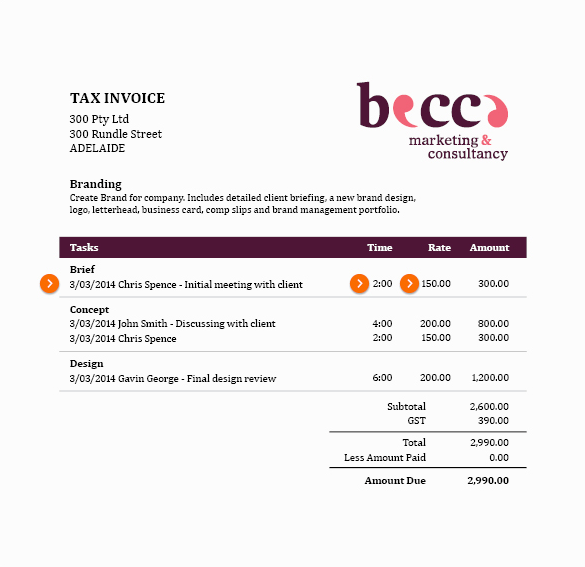
Some clients need all the details, so you can easily expand what’s included in an invoice. Display who did what, when, for how long, and for what value. Add in any notes, descriptions and custom payment terms, all with a single click.
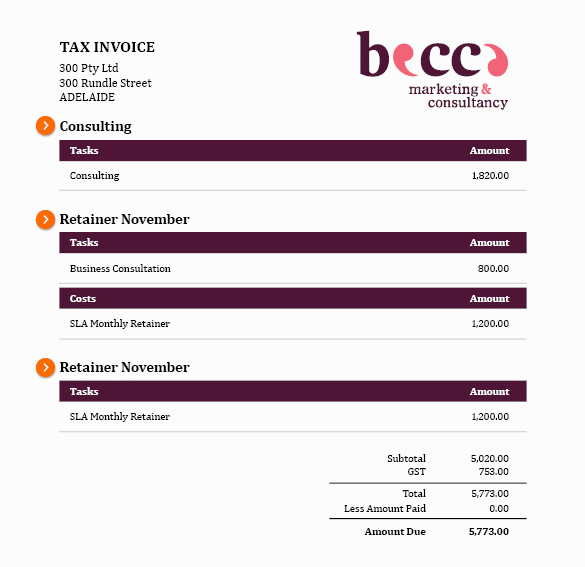
Want to bill a client for multiple jobs? Now you can, all in one invoice.

Create new progress invoices or final invoices from with ease. Get a snapshot of how your cash flow is looking and know instantly which clients owe you money.

Invoice your way, whether it’s based on actuals or a quoted amount, on tasks, or staff rates. Determine how much and exactly what information appears on your invoice.

Combine Xero and WorkflowMax for powerful small business invoice software. Push sales invoices into Xero, then reconcile and see your profitability in WorkflowMax.

Whether you invoice based on actual time and costs, quoted/estimated time, percentage of quoted value or progress amount/deposit, WorkflowMax has the options you need.

Get your invoice looking the way you want using the clever invoice creator. Add your own logo, branding, payment terms and optional extras. Send beautiful custom invoices in a matter of minutes.

Charge out team members at different rates by creating custom hourly rates for your staff and adding them to your invoices.


.svg)
.svg)

.svg)

.svg)
.svg)

.svg)




.svg)

.svg)

.svg)


-2.svg)


